Image to SVG Converter
Upload a PNG, JPG, or WebP and get clean black-and-white line art back, or a solid silhouette when that suits the image better; the tracer picks per image, nothing to configure. It is built for maker files, so it checks the SVG for the problems that break cutter and slicer imports before you download.
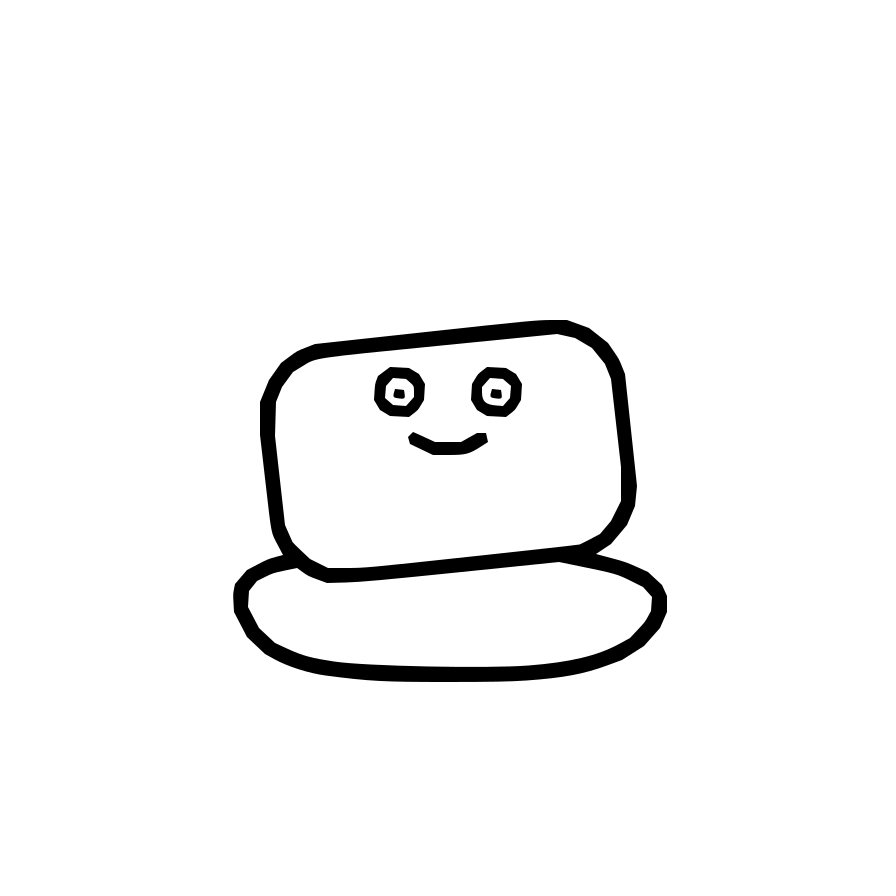
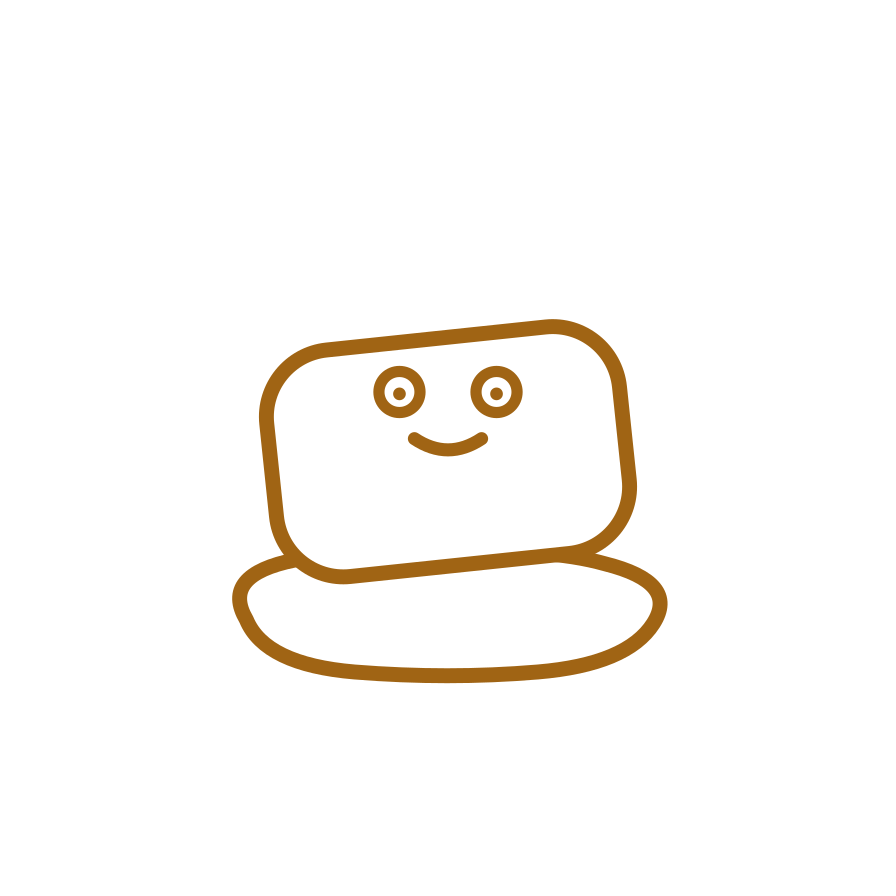
What makes a good SVG source
The cleanest SVG starts with an image that already has a clear edge. Logos, inked sketches, scanned drawings, icons, and simple artwork usually convert well because the outline is easy to separate from the background. That is the kind of file we built this for: art that needs to move from a screen into Cricut Design Space, LightBurn, a slicer, or a modeling workflow without twenty minutes of cleanup first. One thing to keep in mind: if you are tracing a logo, only convert marks you own or are licensed to use, since most brand logos are trademarks.
Photos can work too, but they need a different expectation. A photo is not one outline. It is thousands of tiny changes in color and brightness. If you trace every one of those changes, you get a heavy SVG that looks busy and cuts poorly. For a photo, crop tight to the subject and raise contrast; the trace comes back as a drawn, single-color sketch of the subject. If you want the photo itself in 3D, use the lithophane or relief tools instead.
Why the file type matters less than the edge
PNG, JPG, and WebP all work, but the edge quality decides the result. A transparent PNG is often easiest because the background is already gone. A JPG from a text message or social app can still trace cleanly, but compression adds little blocks and haze around sharp lines. The tracer sees those artifacts even when your eye barely notices them.
When a file gives a messy result, the fix is usually simple: crop away unused background, make the subject darker than the background, and remove shadows before tracing. A one minute edit before upload can save a much longer cleanup in the cutter software.
What the geometry check catches
Plenty of SVGs are technically valid but still fail in maker software. Cricut can reject a file with no viewBox. A cutter can ignore strokes because it needs filled shapes. LightBurn can slow down on a path with too many nodes. Some exports hide a JPG inside an SVG wrapper, which looks like a vector file but still cuts like a photo, meaning it does not cut as a clean path at all.
ButterySpace checks for those traps up front, so they do not surprise you at the machine. The goal is not only to hand you an SVG. The goal is to hand you one that opens at the right size, imports as real paths, and gives you a fair warning if the source image is fighting the job.
When to use a different tool
Use this converter when you need an SVG path. That means vinyl, laser cutting, signs, stencils, logos, simple icons, and flat art that will be extruded later. If you want a photo to glow when backlit, use the lithophane tool. If you want raised lines on a printable tile, use Color Book. If the file is already an SVG but Cricut will not accept it, use Fix an SVG so the original paths can be repaired instead of traced again.
Free to start. A few free generations, and you can churn more butter pats whenever you need more. No sign in required. Also making 3D printed objects from images? Try the bookmark generator | SVG for 3D printing guide
Converting a specific format? PNG and JPG to SVG | HEIC to JPG | Turning a drawing into a coloring page? Try Color Book
Image to SVG, answered
Is the image to SVG converter free?
Yes, free to start. You get a few free conversions, and you can churn more butter pats whenever you need more. No sign in required, and files delete within 24 hours.
What image formats can I convert to SVG?
PNG, JPG, and WebP, up to 20 MB. Transparent PNGs, logos, scanned drawings, and flat color art trace best. Busy photos with low contrast benefit from a crop and a contrast boost first.
Will the SVG work with Cricut and laser cutters?
Yes. The geometry check looks for the traps that break cutter imports, including a missing viewBox, strokes instead of fills, and too many nodes before you download, so you find out about problems here instead of at the machine, whether that is Cricut Design Space, Silhouette Studio, LightBurn, or Glowforge.