Turn a drawing into a coloring page and a 3D relief
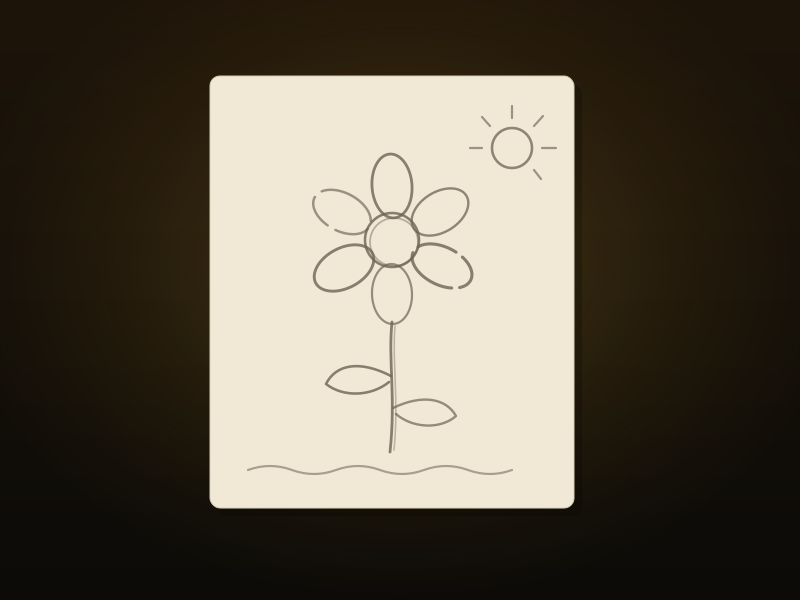
Drop in a kid's drawing or any bold line art and Color Book turns it into two things worth printing: a clean coloring page (SVG) and a raised-line 3D relief tile (3MF + STL). Print the tile in one color, hand over the markers, and color between the ridges. Smooth lines, zero CAD.

Free to start. A couple of free generations, and you can churn more butter pats whenever you need more. No sign-in required. Files auto-delete within 24 hours. After something flatter? Convert an image to a clean SVG →
What you get
Pick the output that fits the project:
- 3D relief tile. The drawing's lines raised as ridges on a base plate, delivered as a 3MF plus a matched STL. Print it in one solid color, then color it by hand. The ridges work like the lines of a coloring book: they keep crayon and marker where it belongs.
- Coloring page. A clean 2D outline SVG, ready to print on paper. The wobbliest marker lines come out thick, closed, and butter-smooth.
- Both. The tile and the page together in one ZIP.
How Color Book works
- Upload the drawing: a photo or scan of marker or ink art, or exported digital line work.
- Pick your output: the relief tile, the coloring page, or both.
- The tool thickens thin strokes, closes small gaps, and cleans the line work.
- Download your files: SVG for the page, 3MF + STL for the tile.
- Print it, then color it. Crayons, pencils, and paint markers all work on PLA.
What it does (and honestly doesn't) do
Color Book thickens and cleans existing line art. It does not invent outlines from a full-color photo, and it does not color the result. The best input is a drawing with bold, closed shapes: marker on paper, scanned ink, a digital sketch with confident lines. Faint pencil and busy photos make for soggy lines, and nobody wants soggy lines.
Color is yours to add afterward. That is the fun part anyway.
Color Book, answered
What does the Color Book tool actually make?
Two things, your choice: a clean 2D coloring page (SVG) you can print on paper, and a 3D relief tile (3MF + STL) where the lines of the drawing are raised as ridges on a base plate. You can also grab both in one ZIP.
Does it color the drawing in?
No. It makes the outlines: a page to color with crayons or markers, or a relief tile to color after printing. Print the tile in one solid color (white works great), then color the recessed areas and the raised lines by hand.
What kind of image works best?
A drawing with bold, closed outlines: a kid’s marker drawing, scanned ink, or clean digital line art. The tool thickens and cleans existing line work, so a full-color photo or a faint pencil sketch with broken lines will not give a good result.
Can I 3D print a coloring page?
That is exactly what the relief tile is. The drawing’s lines become raised ridges on a flat base plate that prints in one color with no supports. Then you color it by hand, and the ridges keep the colors inside the lines.
Will the files work in Bambu Studio, OrcaSlicer, PrusaSlicer, or Cura?
Yes. The relief tile ships as a 3MF plus a matched STL, the same pairing as our 3D bookmarks, so it drops into mainstream slicers. The coloring page is a standard SVG any printer or cutter software can use.
Are my uploaded drawings private?
Yes. Uploads are processed and auto-delete within 24 hours, and they are never sold. If you explicitly opt in to product improvement, we keep that session’s files for up to 30 days and use them to improve the tool.
Want the full walkthrough? Read turning a kid's drawing into a 3D coloring tile, or start coloring now →