3D-printable in one click
Drop an image for a bookmark bundle (3MF + matched STL), an STL to round its hard edges, or a drawing for a coloring relief. Every result is slicer ready, with nothing to align.
The buttery maker space
Melt your line art into a printable 3D bookmark, round the hard edges off an STL, or trace any image into a clean, cut ready SVG. ButterySpace is where makers churn out buttery smooth, slicer ready goodness. Free to start, no install.
No sign-up · files auto-delete in 24h · no install required.
The studio
See it work
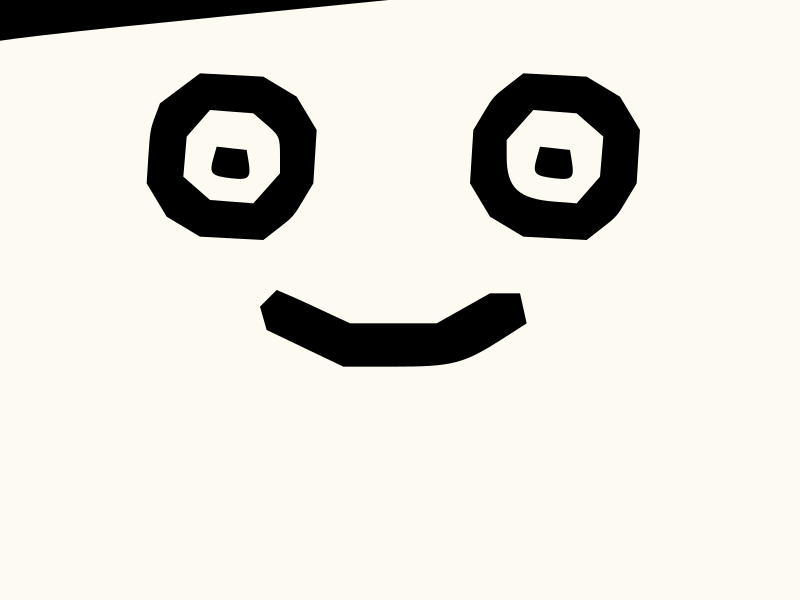
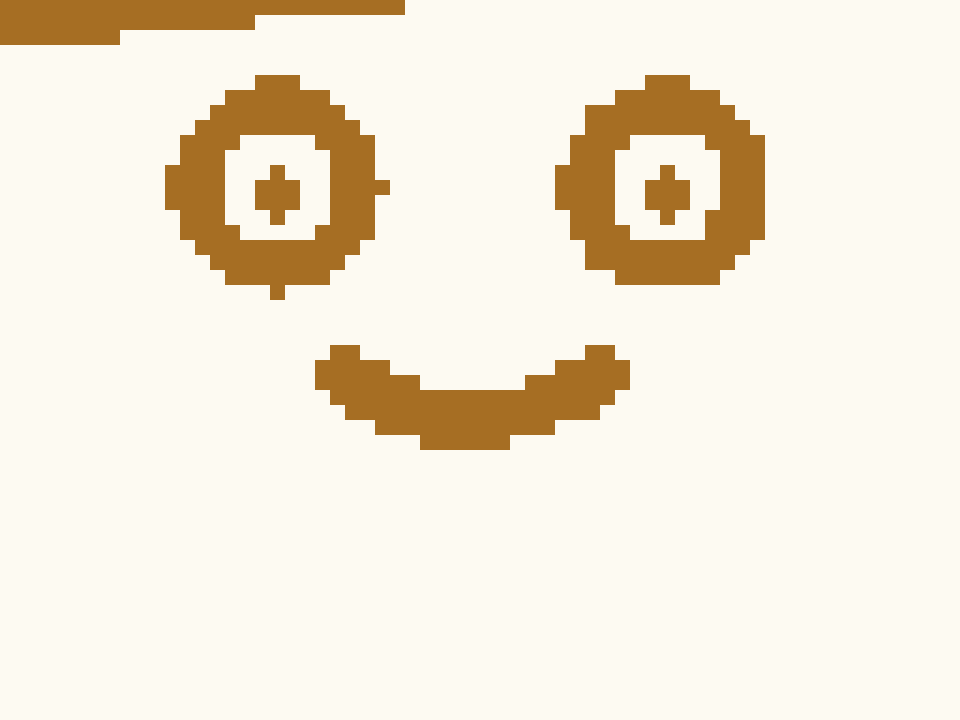
Drag the handle. Zoom in close and the image falls apart into pixels, while the SVG stays a clean line at any size. That crisp vector geometry is what powers both your 3D bookmarks and your cut ready SVGs.
What you always get
Slicer compatibility
Bookmarks, Color Book reliefs, and rounded STLs all come out slicer ready. Open the 3MF in Bambu Studio, OrcaSlicer, PrusaSlicer, or Cura, or use the STL in nearly any mainstream slicer. You choose the printer, filament, and colors.
Modern 3MF workflow
Use the 3MF when your slicer supports project files. Bambu Studio is the easiest color path, and OrcaSlicer, PrusaSlicer, and Cura can read 3MF too.
Universal STL fallback
The STL prints in nearly any mainstream slicer. It's a single combined body, so there's nothing to align.
Also useful for cutters, lasers, and design tools
How it works
Open the dropdown and choose: 3D Bookmark, Round STL, Image to SVG, Color Book, Lithophane, Convert Format (HEIC to PNG or JPG), or Fix SVG. Then drop a photo, sketch, SVG, or STL.
The engine does the work for that tool: it traces, extrudes, rounds, or repairs. No modeling, no setup.
You get exactly what the tool makes: a bookmark or lithophane ZIP (3MF + matched STL), a rounded STL, a clean SVG, or a coloring page and relief.
STL and 3MF drop into mainstream slicers; SVGs open in Cricut, Glowforge, and friends. You still pick the printer, filament, and colors, and a built-in geometry check flags the traps before you download.
Why ButterySpace
We hand you slicer ready and cutter ready files: bookmarks, rounded STLs, coloring reliefs, and clean SVGs. And we fix SVGs when they won't upload.
Drop an image for a bookmark bundle (3MF + matched STL), an STL to round its hard edges, or a drawing for a coloring relief. Every result is slicer ready, with nothing to align.
Open paths, tiny islands, dimension mismatches, runaway node counts. These are common traps that break cutters and lasers. The check flags each in plain English with a severity, and rates the whole file with a confidence level, so we never fake precision.
Drag a before/after slider to compare your original with the repaired file, and read a per-fix summary: viewBox added, strokes expanded, embedded photos flagged.
It's sent to the engine, inspected, fixed, and handed straight back, and never sold. Files auto-delete within 24 hours, or up to 30 days if you opt in to let us improve our algorithms with them.
Made for makers
Drop an image, get a clean two-sided bookmark bundle for your slicer. No modeling, no manual alignment. Add your colors in the slicer, or just upload and download.
Upload an STL and soften its sharp edges with a slider, so the print feels nicer in the hand and looks less blocky. Download a smoothed STL, ready to slice.
Turn a drawing into a clean coloring page and a 3D relief tile. Print the relief in one solid color, then color it in by hand, both between the raised lines and over them.
Turn a photo into a lithophane tile: the thickness follows your picture, so a light behind it brings the photo back. Two-color frame included in the 3MF, zero painting, plus a plain STL.
Turn an image into clean black-and-white line art, or repair an SVG that won't upload. A geometry check flags the traps Cricut, Glowforge, and Silhouette care about, before you download.
Pricing, kept honest
A few free generations to get started, and you can churn more butter pats whenever you need more. A Pro tier with unlimited generations and no ads is coming soon.
$0
$2.50 / mo*
50% off when we launch
*Launch offer: 50% off the indicative $5/mo. Final price set at launch.
Usage
/analyze & /repair-svgEarly access
More bookmark styles, new 3D objects, and a developer API are on the roadmap. Waitlist members hear first and get early access when Pro and the API open up. Tell us what matters most to you.
You're on the list.
We'll send one note the moment Pro and the API open up.
Our signup form is still warming up. Tap below and we'll add you by hand:
Email us to join the waitlistQuestions
Yes. The 3D Bookmark tool turns line art or a photo into a slicer ready bundle (3MF project file + matched single body STL), Round STL softens the edges of an STL you upload, Color Book makes a printable 3D relief tile, and Lithophane turns a photo into a backlit lithophane tile. They all drop straight into your slicer.
It softens the sharp edges of an STL you upload, so the print feels nicer in the hand and looks less blocky. Drag a slider to choose how much rounding, then download the smoothed STL.
Drop a drawing and get a clean coloring page (SVG) and a 3D relief tile (raised outlines on a base plate). Print the relief in one solid color (white works great), then color it in by hand with paint markers, crayons, or pencils, both in the recessed areas between the lines and over the raised lines themselves.
The bookmark download gives you the model files. You'll still choose your printer, filament, and slicer settings.
The ZIP pairs the two output formats together. Open the 3MF in a slicer that supports project files, or the STL if your slicer prefers STL. Same bookmark geometry either way.
The files are geometry only. No colors are baked in or auto-loaded. You add color yourself in your slicer using its color tools (Bambu Studio's Color Painting brush, or a filament change by height). Our Bambu Studio color guide walks through it.
Free to start: you get a few free generations, and you can churn more butter pats whenever you need more. A Pro tier with unlimited generations and no ads, plus a Developer API, are coming soon. Join the waitlist to hear first.
For the file doctor: SVG (up to 2 MB). For image conversion: PNG, JPG, and WebP (up to 20 MB). You get a clean SVG back, plus the bookmark ZIP (3MF + matched single body STL) for bookmark conversions.
Only briefly. Your files are sent to the engine, processed, and handed back, and never sold. They auto-delete within 24 hours. If you opt in to product improvement, we keep that session's files for up to 30 days and use them to improve our algorithms.
For 3D printing: mainstream slicers that open STL, plus modern 3MF workflows including Bambu Studio, OrcaSlicer, PrusaSlicer, and Cura. For cutters and lasers: Cricut, Glowforge, LightBurn, Silhouette, Illustrator, Inkscape, and generic export.
A file can be valid XML and still break a cutter: missing canvas size, stroked outlines, embedded photos, or unsupported effects. ButterySpace checks for exactly those machine-specific traps.
Nope. Drop it in, click fix, download. The whole point is that you don't need Illustrator or Inkscape to get a clean, maker ready file.


Drop a file in and watch it turn buttery smooth.
Open the space